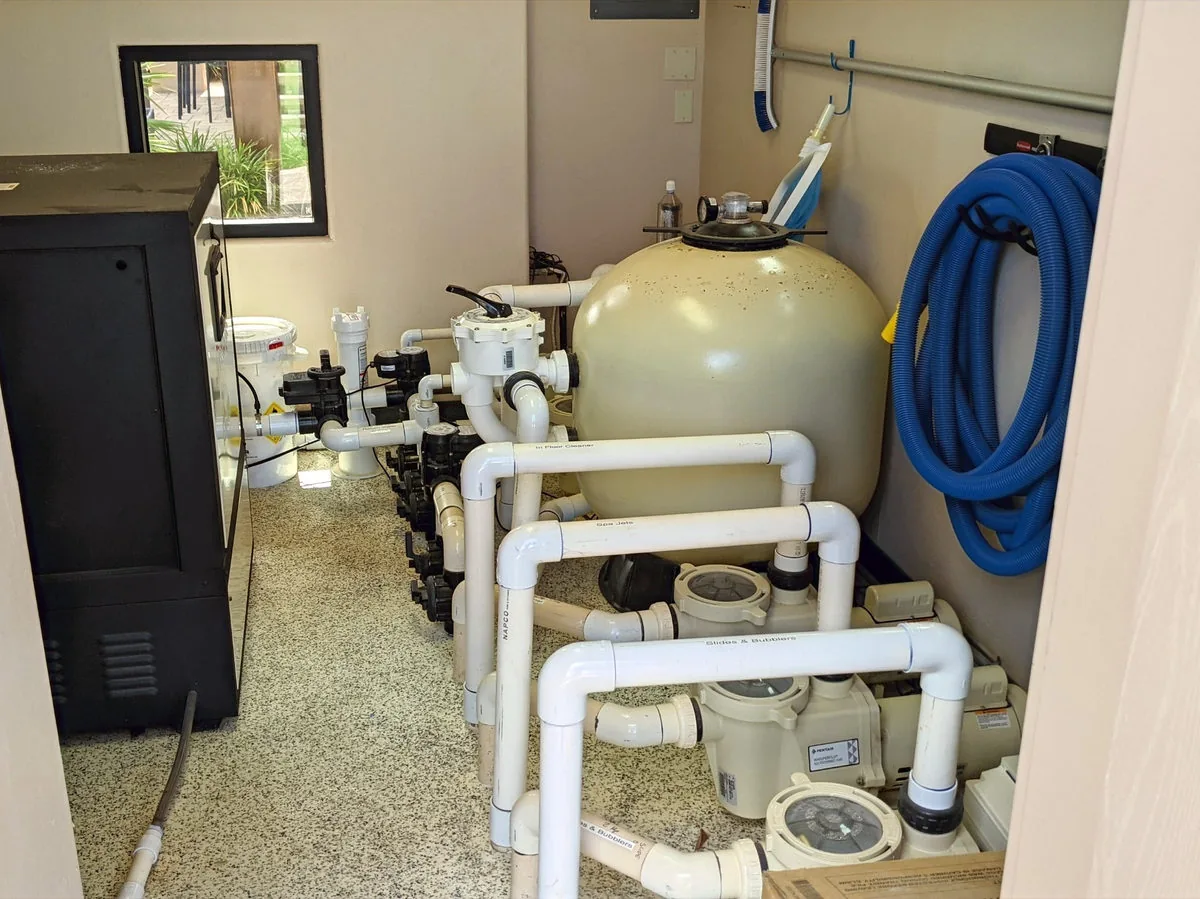
A sand filter catches dirt as water passes through it. Backwashing reverses that flow and sends the trapped dirt to waste. Your filter manual gives the pressure threshold, valve procedure and cycle times for your equipment.
When is it time?
Compare the current pressure with the clean-filter baseline and follow the manufacturer’s guidance. Backwashing every week or two does not suit every pool. Before starting, check the water level and make sure waste water will reach a permitted discharge location.
The basic sequence
Turn the pump off. Follow the manufacturer’s shutdown instructions. Never move the multiport valve while the pump is running or open a pressurized filter.
Set the valve to backwash. Use the procedure in your manual. This reverses flow through the sand.
Run the backwash cycle. Restart the pump for the time and conditions your manual specifies. Watch the sight glass and keep enough water in the pool.
Stop the pump, then select rinse. Never change valve positions with the pump running.
Run the rinse cycle. Follow the manufacturer’s duration and continue watching the water level.
Stop the pump, then return to filter. Restart it according to the equipment instructions and check that normal circulation has returned.
If flow stays weak or the water is still cloudy, the filter may be only part of the problem. Water chemistry or other equipment may need attention. Ask Zion Pools about filter service.
Updated : Replaced fixed intervals with manufacturer-based pressure and operating guidance.
This is an older guide. Follow current equipment and product instructions, and call us for today’s service pricing.